A configured collection of creative, gaming, and developer tools. Explore what is included, then check whether it fits the applications and files you use.
A professional-grade creative suite
Preinstalled, integrated, and ready on first boot — the open-source tools professionals actually use.
GIMP + PhotoGIMP
Full photo editing with a familiar, Photoshop-style layout out of the box.
Krita
A digital art studio for sketching, painting, comics, and concept art.
Inkscape
Vector design — logos, icons, diagrams, print-ready artwork.
Kdenlive
A capable video editor: multitrack, effects, transitions, color tools.
Blender
3D modeling, animation, and rendering — the industry's open-source powerhouse.
OBS Studio
Record and stream with the same tool the pros use.
Want DaVinci Resolve? The Hub walks you through Blackmagic's own download: it opens the download page, then shows you each step to follow, including the few lines to type. Dagric has not obtained permission to redistribute Resolve, so it is not preinstalled; the Hub sends you to Blackmagic's current terms and official download instead. Kdenlive is already installed if you would rather start cutting right now.
Honest math: the tools on the right are independent open-source tools with different features and file compatibility — not the trademarked products or guaranteed drop-in replacements. They are available to anyone. What the $39 buys is the finished suite: hand-picked, preinstalled, integrated, tested, and supported, so it is installed and configured on first boot instead of being a weekend of setup. The service entitlement covers one concurrently managed machine; the software components keep all rights granted by their own licences. (Blender, Krita, Inkscape, OBS and more are in there too.)
The release-status page explains the temporary distribution hold.
Windows apps & serious gaming
Straight answer, same as further down the page: three of these four are one click from the Hub on the free edition too — we don't gate a download button. What Pro buys is the runtime underneath each one, which is the part that takes assembling. Each card says exactly what that is.
Bottles + Wine Also free
Run Windows software in separate per-app Wine environments
tuned for compatibility — not security sandboxes — with an install helper on either edition. The Pro half is
underneath it: Wine 10.0 and winetricks preinstalled, plus 32-bit Wine for
classic .exe installers. The free edition ships no Wine at all.
Steam + Proton Also free
The consent install is one click on both editions. What Pro has waiting for it is the stack Proton actually runs on: the Mesa Vulkan drivers in both 64- and 32-bit, where the free edition ships the Vulkan loader with no Mesa driver behind it — plus GameMode and MangoHud with the goverlay configurator, all preinstalled and tuned. That is the genuine difference, and it is the one that shows up as frames.
Heroic & ProtonUp-Qt Also free
Your Epic, GOG, and Amazon libraries — plus point-and-click GE-Proton management. One click from the Hub on either edition, like Steam and Bottles beside it. Pro preinstalls Lutris alongside them for the Battle.net, EA and Ubisoft installers.
Windows in a window Pro only
For the rare app Wine can't run: a full KVM virtual-machine stack — UEFI and TPM 2.0 included, so even Windows 11 installs. Real Windows, safely boxed inside Dagric. You bring the Windows ISO; we never bundle it. This one genuinely is Pro: the hypervisor, virt-manager and the TPM emulator are not on the free edition, which is why the Hub hides the row there rather than offering a button that can't work.
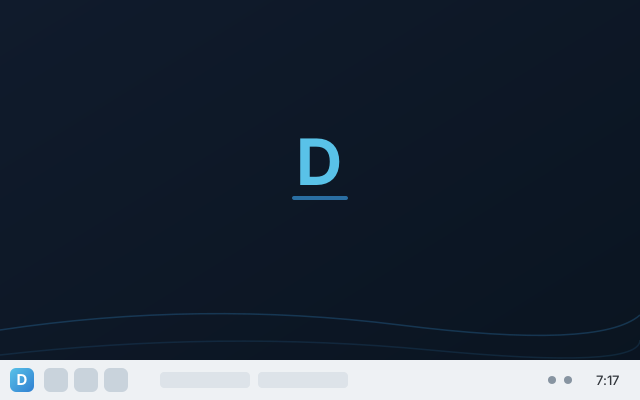
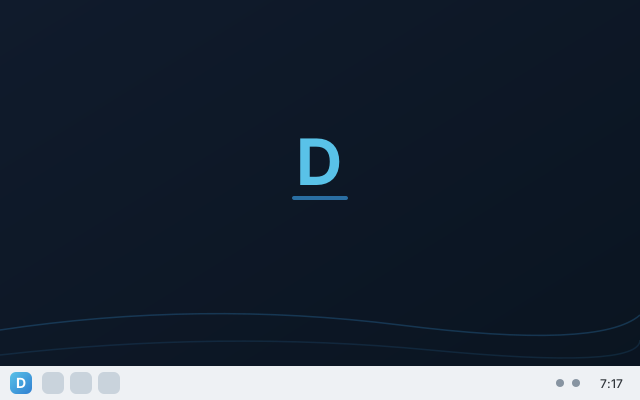
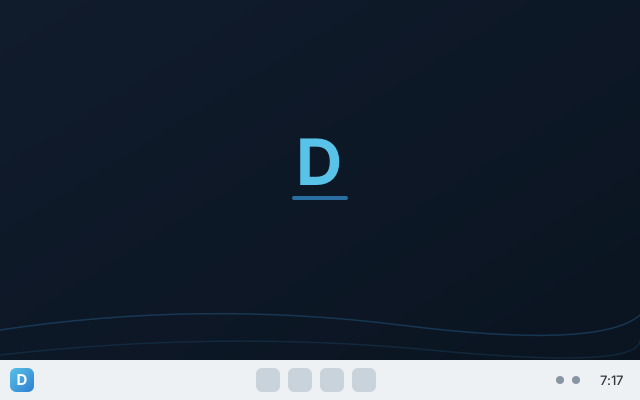
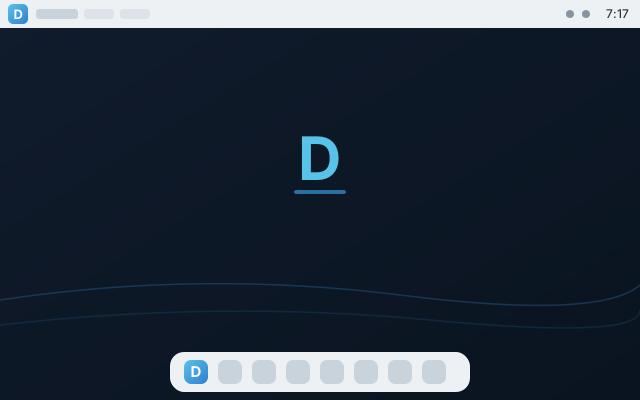
All seven Dagric Looks
And the working stack
Developer-ready
Docker + Compose, Podman, Distrobox, build-essential, Git, Python and SSH, all preinstalled. Podman runs rootless the moment you open a terminal; the Docker daemon and the SSH server ship switched off until you turn them on — one command each, spelled out in the built-in manual — so nothing listens on your machine uninvited.
Local, private AI Also free
Ollama one-click: run capable language models on your hardware. Nothing leaves the machine. This one is identical on the free edition — Ollama is fetched from upstream when you ask for it, on both, and Pro adds nothing to it. It's listed because it's part of the desktop, not because it's part of the $39.
Cloud storage
Google Drive and Nextcloud in Dolphin, Borg/Vorta backups to any cloud via rclone.
Security suite
Opt-in OpenSnitch application firewall, and USB Protection that allow-lists your own devices before it blocks anything — armed when you choose, never at the cost of your keyboard.
Full office & fonts
The complete LibreOffice suite, where the free edition ships Writer, Calc, Impress and Draw — plus the CJK fonts for Chinese, Japanese and Korean. Broad Unicode coverage is on both editions, so ordinary accented and symbol text never renders as boxes either way; the CJK set is the 89 MB the free ISO leaves out to stay lean.
All seven Dagric Styles
Free picks from four moods (Dawn, Daybreak, Midnight and a WCAG-measured High Contrast); Pro unlocks Classy (dark glass and amber), Neon (electric cyan with blur and wobbly windows) and Forest — each pairing a Dagric wallpaper with matched colors and effects.
Pro look
Papirus icon theme and the full layout set, branded and coherent.
Curated open-source gems
Hand-picked tools that make "own it outright" real — private by default, no accounts, no cloud lock-in.
Straight answer: the ones marked one-click install below are in the free edition's Hub too — we don't gate a download button. What Pro buys is everything else on this page, already installed and tuned.
KeePassXC
Your passwords in a local vault only you hold — no cloud, no subscription.
Syncthing
Sync files between your own devices directly — no cloud, no account, no middleman.
LocalSend Also free
Send files across the room like AirDrop — private, cross-platform, over your own network (one-click install).
Cryptomator Also free
Encrypt your files into a vault before they ever touch a cloud folder — the provider only sees ciphertext (one-click install).
Upscayl Also free
Enlarge and enhance images with AI that runs entirely on your machine — no upload, no account (one-click install).
Joplin Also free
Notes and to-dos in open Markdown on your own disk — offline-first, no account, optional end-to-end-encrypted sync. The private OneNote/Notion alternative (one-click install).
ONLYOFFICE Also free
The ribbon layout Office veterans know, with the best open-source .docx/.xlsx/.pptx fidelity — runs alongside LibreOffice; keep whichever fits (one-click install).
Flatseal
See and control exactly what each app is allowed to access. Permissions you can actually read.
darktable
A full RAW photo-development workflow — the open-source answer to Lightroom.
Audacity & HandBrake
Multitrack audio editing and video conversion, both open, both included.
qBittorrent
A clean, ad-free BitTorrent client — the way it should be.
Filelight
See what's eating your disk at a glance, and reclaim the space.
Compare editions
| What you get | Free | Pro |
|---|---|---|
| Private, hardened, debloated desktop | ✓ | ✓ |
| Snapshot rollback & silent updates | Before updates on the default btrfs install | + Timeshift scheduled restore points |
| Dagric Looks layouts | 3 | 7 |
| Office suite | Writer · Calc · Impress · Draw | Full LibreOffice + CJK |
| Creative & video suite | — | ✓ |
| Photo/audio/video studio (darktable, Audacity, HandBrake) | — | ✓ |
| Privacy toolkit (KeePassXC, Syncthing, Flatseal) | — | ✓ |
| Windows apps (Wine runtime) | Bottles, one-click | Wine + winetricks, preinstalled and tuned |
| Gaming stack | Launchers, one-click | GameMode, MangoHud, Lutris, 32-bit Vulkan preinstalled |
| Steam, Heroic, Bottles | One-click | One-click |
| Local AI (Ollama) | One-click | One-click |
| Developer toolchain (Docker, Podman, Distrobox, Git, SSH) | — | ✓ |
| Phone integration (KDE Connect) | ✓ | ✓ |
| Cloud backup, Drive in Dolphin | — | ✓ |
| Opt-in security suite | — | ✓ |
Don't buy Pro if…
Four reasons to keep your $39. We would rather lose the sale than take it from somebody who was going to want it back.
…you only wanted Steam, Heroic, Bottles or Ollama
All four are one click from the Hub on the free edition, and so are ProtonUp-Qt, GE-Proton, ONLYOFFICE, Joplin, LocalSend, Cryptomator and Upscayl. If that list is your whole reason for buying, download the free ISO instead — you will get the same buttons. Pro's gaming value is the 32-bit Vulkan, GameMode and MangoHud underneath them, which matters if you play, and not otherwise.
…the disk is nearly full
Pro needs 40 GB of free space against the free edition's 25 GB, because the creative suite, the Wine and gaming runtimes and the CJK fonts are all really there on the disk. On a small SSD or an older laptop that is a real constraint, and it will not get better after you have paid.
…you are comfortable with a package manager
Every application Pro preinstalls — GIMP, Krita, Inkscape, Blender, Kdenlive, OBS, darktable, Audacity, KeePassXC and the rest — is free software, from Debian's own archive, under its own licence. You can install every one of them on the free edition yourself, for nothing, and we would not think less of you. What the $39 buys is that somebody already did it, wired the pieces together, and tested that the result works on first boot.
…you need DaVinci Resolve preinstalled
Dagric has not obtained permission to redistribute Resolve, so the Hub walks you through Blackmagic's own download on both editions equally. Buying Pro does not get Resolve installed for you. Kdenlive is preinstalled and is a real video editor; if it isn't the one you need, that is worth knowing before checkout rather than after.
Still here? Then the things above don't apply to you, and the rest of this page is what you get.
The $39 one-time service entitlement covers hosted delivery, guided upgrade, and support for one concurrently managed machine. Component licence rights remain unchanged.
New sales and binary delivery are temporarily paused while the remaining release gates are completed.
Check release status