Your computer.
Yours again.
Dagric OS gives Windows 10 PCs a private, customizable second life. No required account, no subscription, and no Dagric telemetry. Explore the desktop, the tools, and the current release record.
Release testing in progress. Downloads and new Pro purchases are paused. You can watch the demos, browse the guide, and see what has been tested.
Live Dagric OS footage. One system on screen, continuous motion, no mock interface. Use the player controls to hear the walkthrough.
Built on Debian 13 · KDE Plasma · GPG-signed releases · how we sign releases · free updates · dagr (day) + ric (ruler)
Search Dagric OS in your own words.
Find hardware compatibility, Windows migration, privacy, recovery, applications, installation help, release proof, and real-time footage.
Switching from Windows 10 · Watch real-time footage · Inspect the release proof
The proof is public.
See the exact source revision, signed release hashes, package inventory, test matrix, and known gaps before you download or buy anything.
Build and test record
What passed, what still needs physical-hardware confirmation, and which gaps remain open.
Source and issues
Read the build scripts and product code, then inspect or file issues in public.
Reviewer kit
One page for the operating system download, verification commands, test order, limitations, visuals and press contact.
A fresh start for your Windows PC.
Keep familiar files and choose a desktop that feels right. The Migration Assistant copies documents, pictures, music and videos from a Windows drive, then gathers bookmarks for import into your browser. Check your hardware and essential apps before deciding to switch.
Windows 10's standard support has ended; Microsoft also offers Extended Security Updates. Dagric offers a different path on a Debian 13 base. Debian's published support schedule runs into 2030 for covered packages; that is not a blanket support guarantee for every Dagric tool. Read the support scope.
Plan your switchPick a desktop. Your desktop.
Open Dagric Looks and reshape your desktop in one click — switch back anytime. Every layout keeps your apps, files, and settings. Then open Dagric Styles to set the mood: light or dark, any accent color, Dagric wallpapers, even glassy blur — four styles free, all seven on Pro. Mix any Look with any Style.
15 seconds of live customization. No slideshow and no second product window competing for attention.
Classic
A taskbar at the bottom — familiar from day one.
Focus
One tidy bar, nothing in your way.
Centered
A centered taskbar, clean and modern.
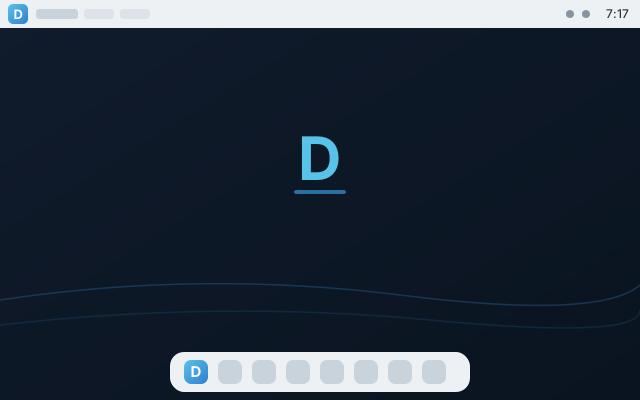
HorizonPRO
A menu bar up top with a dock below.
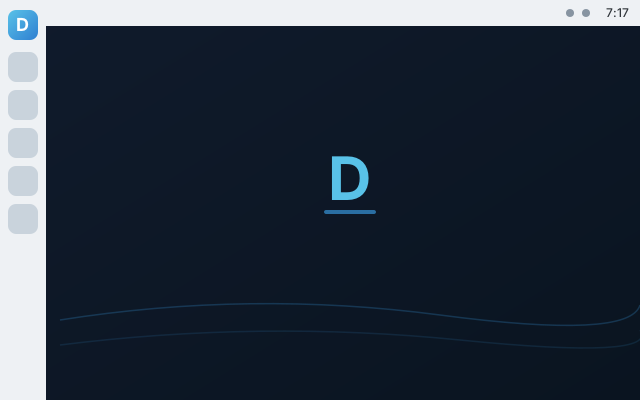
CommandPRO
A side dock for living in your apps.
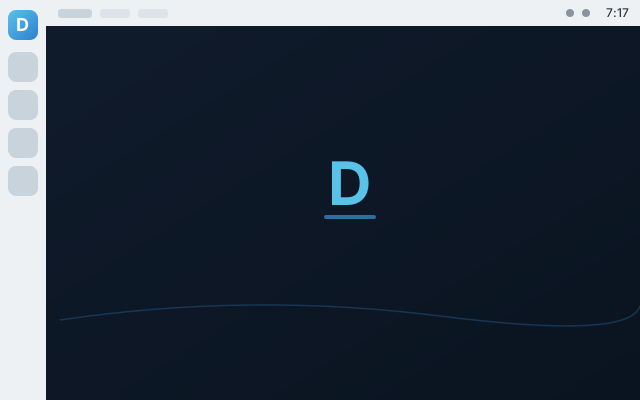
UnityPRO
A side dock with a global menu bar on top.
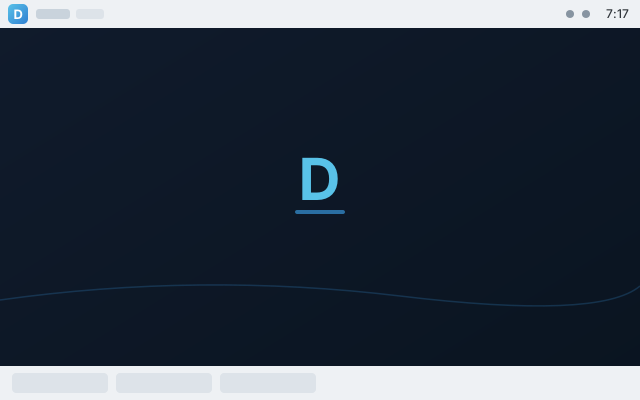
DuoPRO
Two panels, top and bottom, for power users.
Private by design. Secure by default.
The security baseline is enabled before you change a thing — and Dagric OS does not add telemetry.
Hardened out of the box
AppArmor confinement, hardened kernel settings, and a firewall from first boot. Pro adds an opt-in application firewall and USB device controls. See the tested scope.
Undo system changes
On the default btrfs installation, snapshots before updates help you roll back system changes from the boot menu. Keep a separate backup of your personal files.
Updates, your way
Security patches install silently. The computer never restarts itself — you reboot when it suits you.
The Dagric Hub
Drivers, security checkup, the layout switcher, the guide, and every owner tool — gathered in one friendly window.
Set up before you get there
Printers, scanners, Wi-Fi, Bluetooth, NTFS drives, Print-to-PDF, media codecs and streaming are configured in Dagric OS, not left for you to wire up. Whether they work on your particular machine is a different question — Check This PC answers it before you install.
For everyone
A talking screen reader you can boot straight from the USB stick, a measured high-contrast theme, and fingerprint login. The conformance report states the gaps as plainly as the features.
Bring your Windows apps.
Dagric runs compatible Windows software in separate per-app Wine environments with Bottles — and sets up Steam, Proton, and the Epic/GOG launcher in one click each, on both editions. Pro adds the runtime underneath: Wine, GameMode, MangoHud and 32-bit Vulkan, preinstalled and tuned.
Bottles
Windows apps in separate Wine environments. Compatibility varies, and these environments are not security sandboxes. One click to install.
Gaming, sorted
Steam with Proton, Heroic for Epic/GOG/Amazon and ProtonUp-Qt install in one click on any edition — consent-first, never bundled. GameMode, MangoHud and Lutris come preinstalled on Pro.
Common Office documents
Office-metric fonts improve layout compatibility for Word and Excel files, and the full LibreOffice suite is preinstalled on Pro.
Simple pricing. Own it outright.
No subscriptions. One Pro purchase provides private delivery, guided upgrade, and support for one managed machine — updates included, checked once when claimed, with no recurring purchase check. Open-source component rights remain unchanged.
free forever
- The full private, hardened desktop
- Snapshot rollback & silent updates
- Dagric Looks — 3 layouts · 4 Styles
- Writer, Calc, Impress, Draw, Firefox & essentials
- Printers, scanners, codecs, streaming
- One-click Steam, Heroic, Bottles & Ollama
- Creative, video & audio studio
- Wine, GameMode & the tuned gaming runtime
- Developer toolchain (Docker, Git, SSH)
own it forever · free updates
- Everything in Dagric OS, plus:
- Creative studio: GIMP, Krita, Inkscape, Blender, Kdenlive, OBS, darktable
- Windows apps: Wine + winetricks preinstalled and tuned
- All 7 Dagric Looks layouts · all 7 Styles
- Dev stack: Docker, Podman, Distrobox, Git, SSH
- Gaming runtime: GameMode, MangoHud, Lutris, 32-bit Vulkan
- Privacy toolkit: KeePassXC, Syncthing, Flatseal
- Opt-in security suite: app firewall + USB control
New Pro purchases are paused during release review.
Free and Pro use the same desktop foundation. Pro adds a configured creative, gaming, and developer toolkit. Downloads and purchases are currently paused; review the release status before planning an installation. Existing customers can contact us for help.
Dagric-authored code and most included software are open source; separately licensed device firmware and CPU microcode remain subject to release-rights review.
Your next step.
Check the release status first. When a release is available, the step-by-step guide explains how to verify it, prepare a USB drive, test your hardware, and install. Physical Secure Boot validation remains pending; see the current test limits.
Verify your download
Releases are GPG-signed — download SHA256SUMS, SHA256SUMS.sig, and the signing key, then verify. Full instructions on the download page.
Follow the real tests.
See Dagric OS open apps, run checks, change its look, and work through complete tasks in the running system. No still-frame product demos and no hidden test gaps.